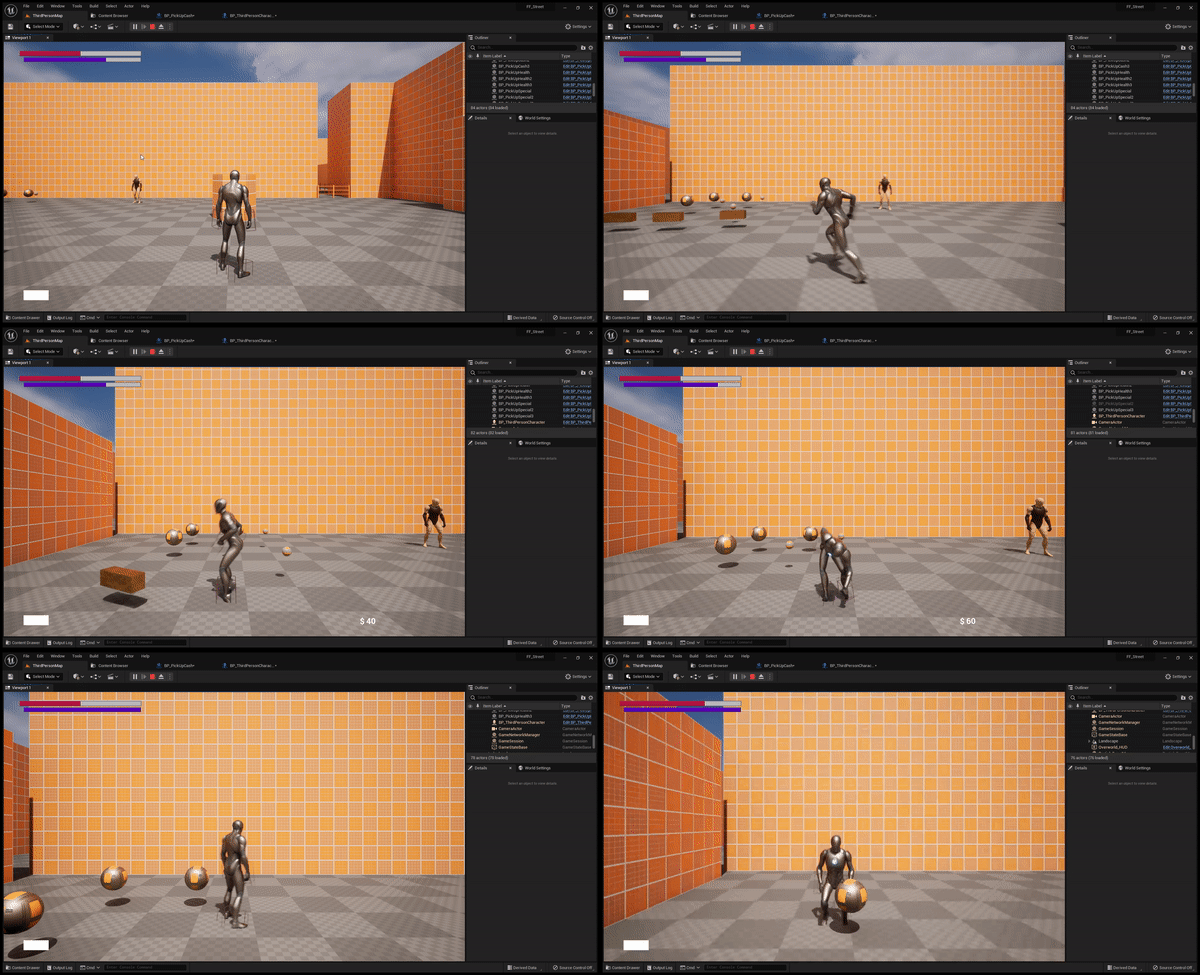
This page breaks down how I approached creating a pick ups system in Unreal Engine 5.
Overview
The pick up system was created to allow the player character to grab items within the world such as resources like health and special replenishments, and currency. The system will be able to be expanded to include weapons and other types of pick ups.
USING AN INTERFACE
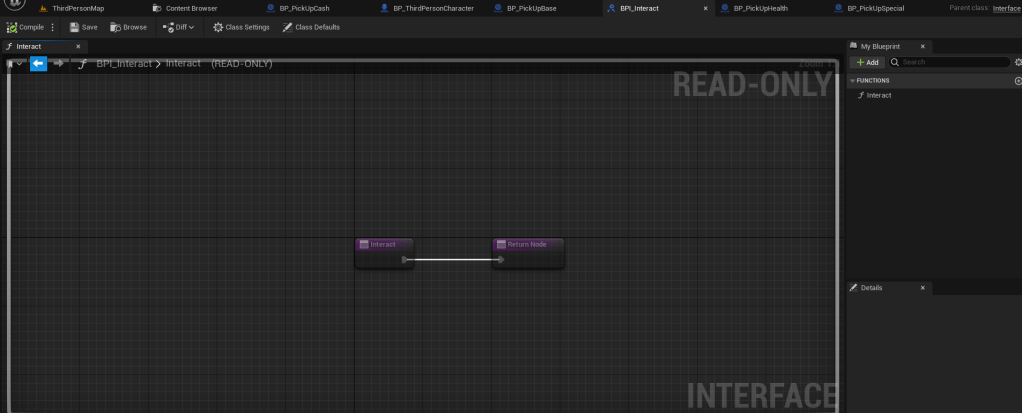
First, I created an interface called BPI_Interact that would contain a single function called “Interact”. This function will be called as an event at either a certain point in a pick up animation or (in future implementations) a certain point after the player presses the interact button.
Creating the base pick up
The next step was to create a base pick up item that all pick ups will inherit from. This item is called BP_PickUpBase . For future implementations, there will be an additional child that is used to distinguish items like weapons from resources, but for now, the pick ups I have created all inherit from the base pickup.
The BP_PickUpBase actor only has a few things inside of it. It has a RotatingMovement Component, a Static Mesh Component for visuals, as well as implementing the BPI_Interact Interface. The implementation of the Interact event from the BPI_Interact interface does nothing but destroy the actor when called. The static mesh component collision settings are set to OverlapAllDynamic, as the player needs to be able to overlap with pick up items in order to interact with them.

Creating individual pickups
From here, I had to create the individual pick ups. We will use the BP_PickUpCash item as the example here.
The BP_PickUpCash actor is a child of the BP_PickUpBase actor, which means it will automatically have the Rotating Movement component as well as the Static Mesh component. That’s great, because we want to use both of them for the visuals of the item!
First, I added the static mesh which is just a simple cube and applied a material to it. This one uses the default gold material for prototyping purposes. Then, I updated the rotation on the rotating movement component to be 90 on the z axis, so that it rotates at a rate of 90 around the z when placed in the world.
Then, it was time to add this items implementation of the Interact event. For each of the pick up items, they will make a call to the parent items implementation (BP_PickUpBase) which destroys the actor. Then, they will call their own function. (Oddly enough, you would thin that calling the parent function first would cause errors and not allow you to call the child actors function, but that doesn’t seem to be the case).
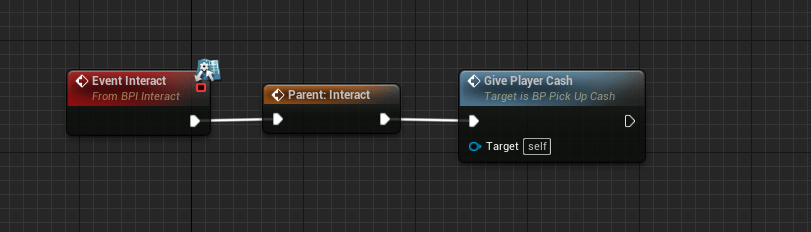
In the case of the cash pick up, it calls a function called GivePlayerCash which finds the player character, and adds a specified amount of cash (float variable, CashToGive) to the players CurrentCash. This function also triggers an event called Call Cash Pick Up, which is what updates the HUD so the player is aware of how much cash they picked up. I won’t go into the HUD implementation in this article, but that’s how it works.

PLayer Character Logic
The final step is to add some logic in the player character that makes this all happen.
As per usual, I separated my interaction logic into it’s own sub graph within my player characters event graph.
The implementation is fairly simple, basically when the players capsule component overlaps with an item it’ll check to see if that item implements the BPI_Interact interface. If so, it’ll set that actor to a variable called Interactable, and sets a boolean called CanInteract to TRUE. On End Overlap, it’ll set that boolean back to FALSE.
When the player presses the Gamepad Face Button Right (in this case “B” on Xbox controller), it’ll check to see if CanInteract is true, and if so, it’ll temporarily set the players Movement Mode to None, plays an animation montage for the pick up animation, and calls the Interact event on the Interactable actor. Afterwards, it sets CanInteract to FALSE and sets the Movement Mode back to Walking.

RESULTS
And the final results! (image below is 2.5D implementation).
 CHRISTOPHER GUYTON